Order Types: Market, Limit, and Stop
Spot Trading Beginner About 6 min Audio free Video · Premium
The three instructions every trader gives, and when each one protects or betrays you.
Watch your teacher
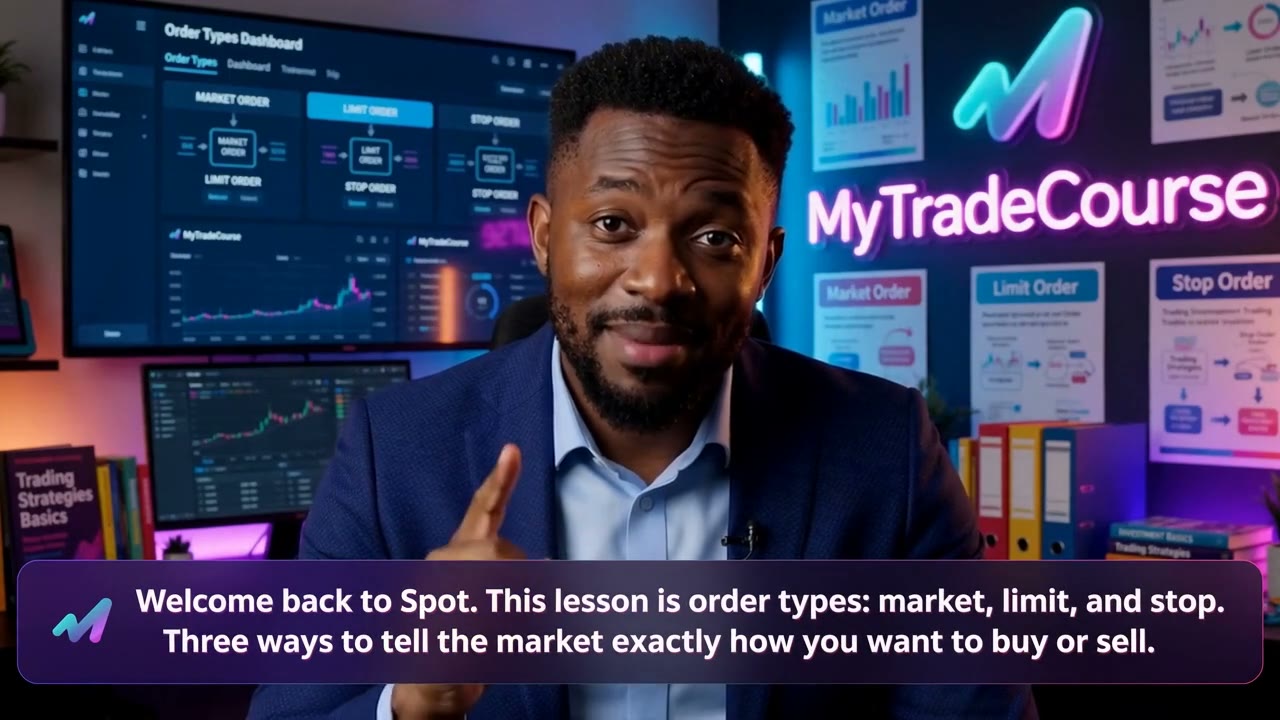
This video is part of Premium
Premium is not open yet. No Premium price is shown and nothing is charged until the owner opens it. The full lesson is below, and the audio is free right now.
Listen — free
The teacher's voice for this lesson (1:00). This lesson's audio is free.
Read the transcript
Welcome back to Spot. This lesson is order types: market, limit, and stop. Three ways to tell the market exactly how you want to buy or sell. A market order is the simplest. You say buy now, or sell now, at the best price available right now. It fills fast, but the exact price can slip a little. A limit order sets your price. You say buy only at this price or lower, or sell only at this price or higher. If the price never reaches it, the order does not fill. A stop order waits, then triggers. You set a stop price. When the market reaches it, the order becomes a market order and tries to fill at the next available price. Put them together: market means now, limit means my price or better, stop means if it reaches here, then act. Pick the order that matches your plan before you click. Remember: market is now, limit is your price, stop is your trigger. Name the order before you trade. Now — try the quick quiz.
Market orders: certainty of execution
A market order says 'trade now, at the best available price.' It almost always fills, but the price is not guaranteed — in a fast or thin market you may pay far more than the quote you saw. Market orders fit liquid assets and moments when getting in matters more than the exact price.
Limit orders: certainty of price
A limit order says 'trade only at my price or better.' A buy limit at $45 fills only if the ask reaches $45 or lower. You control price, but the trade may never happen — the market can touch $45.01 and turn around without you. Limit orders are how patient traders avoid overpaying and how profit targets are set (a sell limit above the market).
Stop orders: the emergency exit
A stop order sleeps until price reaches your level, then fires as a market order. A stop-loss below your entry is an automatic exit if the trade goes wrong — the backbone of risk control. Two warnings: a stop guarantees an exit attempt, not a price (a gap can blow through it), and a stop-limit variant can fail to fill at all if price jumps past your limit.
Worked example — one trade, three orders
A stock trades at $80. You place a buy limit at $76, hoping for a dip. It fills two days later. You immediately set a stop-loss at $71 and a sell limit (take-profit) at $92. Your whole plan — entry, worst-case exit, target — is now written into the market. Max planned loss: $5 per share. Planned gain: $16 per share.
Try it yourself
Paper-plan one trade end to end — entry order, stop, and target — then log this practice trade in MyTradeDiary (free) with the setup name 'three orders' so you can review whether price respected your plan.
Remember this
- Market order: fills fast, price not guaranteed.
- Limit order: price guaranteed, fill not guaranteed.
- Stop-loss: automatic exit; essential, but gaps can slip past it.
- Set entry, stop, and target before you enter, not after.
Check what you learned
Completion marks are saved on this device only.
SEO used on this page
| Page title | Set — Order Types: Market, Limit, and Stop — Spot Trading | MyTradeCourse |
|---|---|
| Meta description | Set — The three instructions every trader gives, and when each one protects or betrays you. |
| Share picture | Set — https://mytradecourse.com/media/thumbs/mytradecourse-spot-order-types-lesson-thumbnail.jpg |
| Audio file | Set — /media/audio/mytradecourse-spot-order-types-lesson-audio.mp3 |
| Video file | Set — mytradecourse-spot-order-types-lesson.mp4 (Premium) |
| Captions | Set — /media/captions/mytradecourse-spot-order-types-lesson-captions.vtt |
| Transcript | Set — shown on this page under Listen |
| Structured data | Set — LearningResource + VideoObject |