Watchlists and Screening: Finding Candidates
Spot Trading Intermediate About 4 min Audio free Video · Premium
Professionals don't watch everything. They filter the universe down to a short list that fits their plan.
Watch your teacher
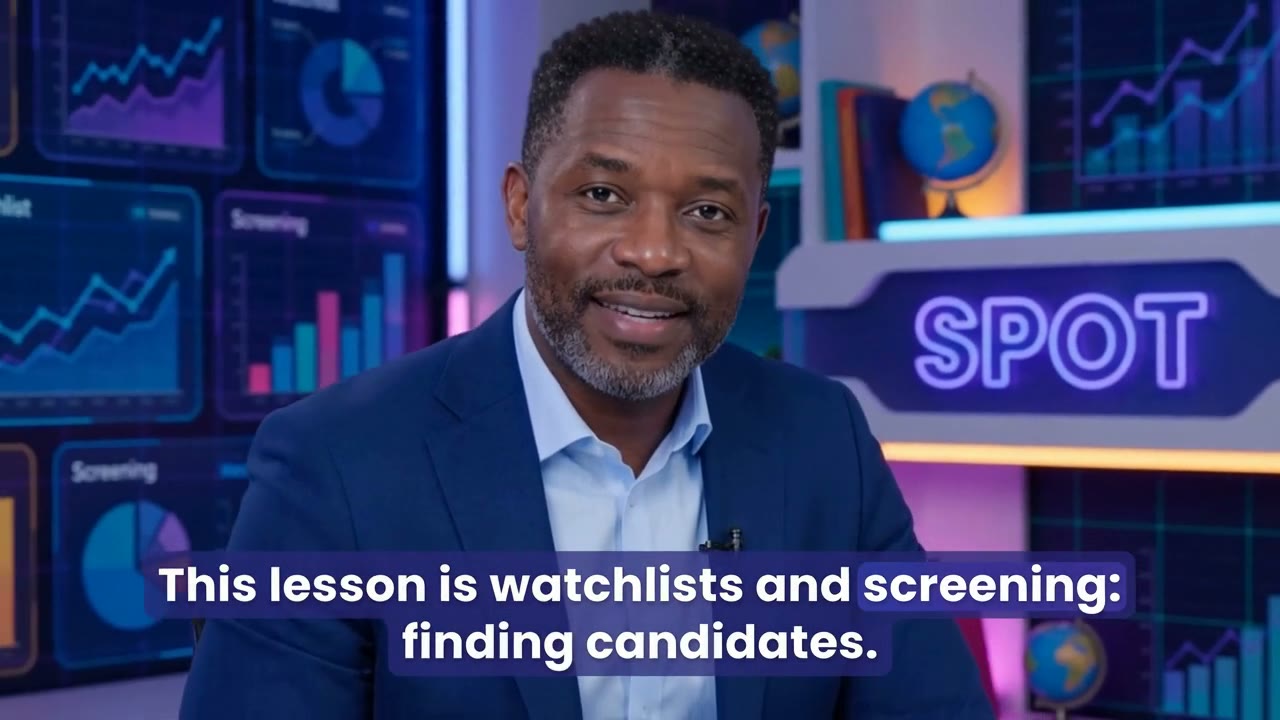
This video is part of Premium
Premium is not open yet. No Premium price is shown and nothing is charged until the owner opens it. The full lesson is below, and the audio is free right now.
Listen — free
The teacher's voice for this lesson (1:00). This lesson's audio is free.
Read the transcript
Welcome back to Spot. This lesson is watchlists and screening: finding candidates. You cannot watch everything — a small, focused list helps you find what fits your plan. A watchlist is your short list. It is the small group of assets you are tracking closely right now — not everything on the market, just the ones that match what you are learning. Screening is how you build that list. You set a few simple filters first, like a market, a price range, or whether the chart shows a clear trend, and you let the tools sort through the rest. Keep the list short and fresh. Too many names and you check none of them properly. Review the list weekly, remove what no longer fits, and add only when something truly meets your filters. A candidate is not a trade yet. It is just a name that earned a closer look. From there you still check the chart, the bid and ask, the spread, and the market hours before any plan. Remember: screen with clear filters, keep your watchlist short, and let candidates earn their place. Now — try the quick quiz.
Why a small watchlist wins
Attention is a trading resource. Twenty assets you know deeply — their levels, typical spreads, how they move on news — beat two hundred you glance at. A watchlist is not a pile of tips; every name on it earned its place by matching your market, your timeframe, and your setups.
Screening with simple filters
Screeners filter thousands of assets by numbers: price above/below a moving average, volume above a threshold, distance from a 52-week high, daily range as a % of price. A workable beginner screen for trend pullbacks: liquid names only (volume filter), price above the 200-day average, and a recent pullback of 3–8%. The screen produces candidates; your level map and plan produce (or reject) trades.
The weekly rebuild
Lists rot: earnings pass, trends end, volumes die. Rebuild weekly — remove names that no longer fit, promote the two or three best new candidates, and cap the list. Your journal's setup statistics tell you what to screen FOR: if your pullbacks in strong trends carry your results, the screen should hunt exactly that shape.
Worked example — from 8,000 to 6
Filters: US stocks, average daily volume above 1M shares, price above a rising 200-day average, pulled back 3–8% from a recent high, spread under 0.1%. Result: 6 names. Each gets a level map and an alert. The trader's week is now six charts studied deeply instead of a frantic scan of everything that moved.
Try it yourself
Build your first watchlist: pick at most 10 assets, and for each write in MyTradeDiary (free) why it's on the list and which of your setups it fits. Review the list next Sunday and cut anything without a reason.
Remember this
- A short, deliberate watchlist beats scanning everything.
- Screens filter by numbers; your plan decides trades.
- Rebuild weekly — lists rot as conditions change.
- Let your journal stats choose what you screen for.
Check what you learned
Completion marks are saved on this device only.
SEO used on this page
| Page title | Set — Watchlists and Screening: Finding Candidates — Spot Trading | MyTradeCourse |
|---|---|
| Meta description | Set — Professionals don't watch everything. They filter the universe down to a short list that fits their plan. |
| Share picture | Set — https://mytradecourse.com/media/thumbs/mytradecourse-spot-watchlists-lesson-thumbnail.jpg |
| Audio file | Set — /media/audio/mytradecourse-spot-watchlists-lesson-audio.mp3 |
| Video file | Set — mytradecourse-spot-watchlists-lesson.mp4 (Premium) |
| Captions | Set — /media/captions/mytradecourse-spot-watchlists-lesson-captions.vtt |
| Transcript | Set — shown on this page under Listen |
| Structured data | Set — LearningResource + VideoObject |