Building a Crypto Watchlist That Fits on One Screen
Crypto Advanced About 4 min Audio free Video · Premium
Thousands of tokens compete for your attention. A brutal filter leaves the few that deserve it.
Watch your teacher
This video is part of Premium
Premium is not open yet. No Premium price is shown and nothing is charged until the owner opens it. The full lesson is below, and the audio is free right now.
Listen — free
The teacher's voice for this lesson (1:00). This lesson's audio is free.
Read the transcript
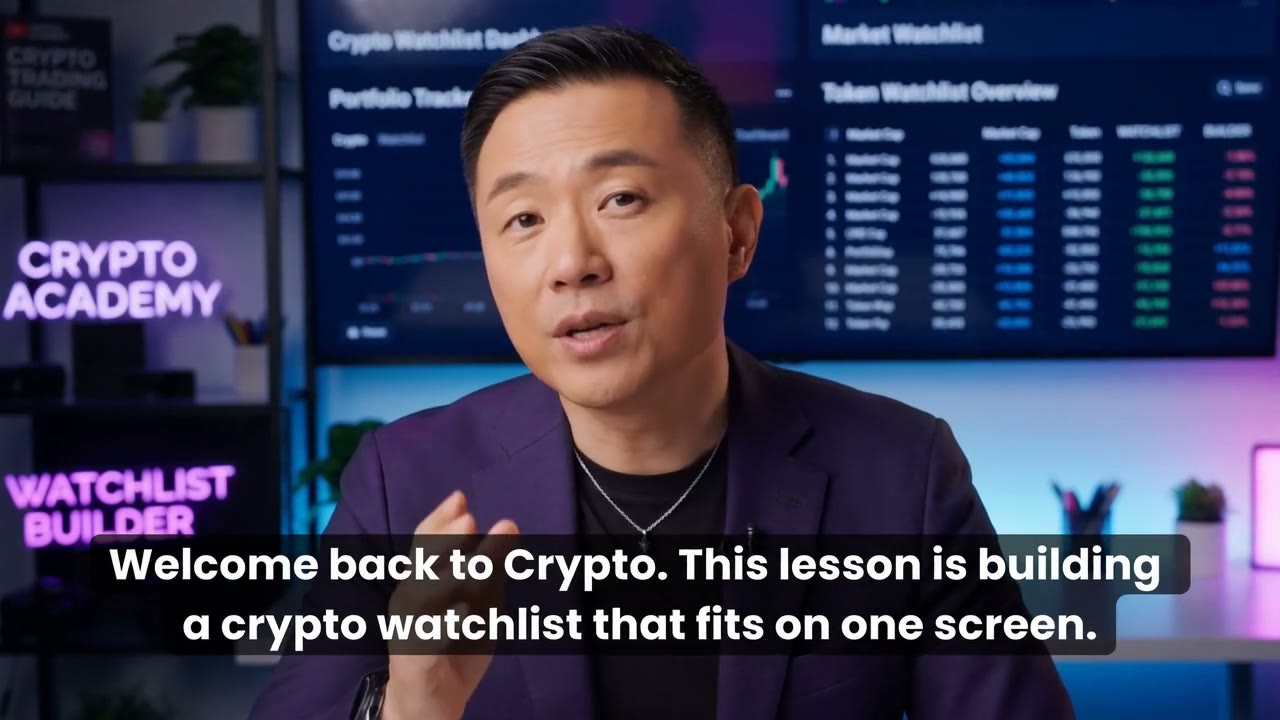
Welcome back to Crypto. This lesson is building a crypto watchlist that fits on one screen. A watchlist is your short list of coins to watch. Keep it small enough to see at a glance. One screen, no endless scrolling. Pick coins you can explain in plain words. One or two large coins. A few others you follow with a clear reason. For each coin, watch the same few things. Price, volume, and how it moved today. Same view, every session. Review the list weekly. Remove coins you no longer follow. Add a new one only when it earns the space. Remember — a watchlist fits on one screen and stays focused. Now — try the quick quiz.
The admission exam
A token earns a watchlist slot only by passing all of: (1) Liquidity — trades on major venues with books deep enough that your size is a rounding error. (2) Survival — has lived through at least one full market cycle or is a top-tier asset by any sober measure. (3) Comprehension — you can explain, in two sentences, what it does and why anyone needs it. (4) Clean structure — no insider-dominated supply (Lesson 12's explorer check), no unlock cliff next month that dumps team tokens on the market. Failing any one is disqualifying; the list's value is its rejections.
Slots and rotation
Cap the list (8–12 names). New candidates enter on probation at the bottom after a weekly review (Spot Lesson 14's ritual), displacing the weakest incumbent — one in, one out. Each name carries its levels and its thesis in the journal; a name whose thesis dies (a protocol exploit, a governance capture, a founder scandal) leaves immediately, not at the next review. Attention is the scarcest asset in a 24/7 market; the cap is the strategy.
Alerts instead of staring
A 24/7 market punishes screen-watching with exhaustion and impulse trades at 2 a.m. Set price alerts at your pre-marked levels and let the market call you. If an asset needs watching more often than your alerts allow, it is too volatile or too thin for your timeframe — the watchlist exam should have caught it.
Worked example — the unlock cliff
A promising mid-cap passes liquidity and comprehension, but the tokenomics page shows 18% of supply unlocking to early investors in five weeks — a known, dated sell-pressure event. Verdict: not rejected forever, but parked with a calendar note to re-examine after the unlock. The filter didn't just avoid a bad trade; it converted a future surprise into a scheduled decision.
Try it yourself
Run the admission exam on every token you currently follow and rebuild your watchlist in MyTradeDiary (free): max 12 names, each with its two-sentence thesis and next known unlock or event date noted.
Remember this
- Admission requires liquidity, survival, comprehension, and clean supply structure — all four.
- Cap the list; one-in-one-out at the weekly review; dead theses leave immediately.
- Token unlock calendars are dated sell-pressure — check them before admission.
- Alerts at levels replace staring; a 24/7 market bills exhaustion for screen time.
Check what you learned
Completion marks are saved on this device only.
SEO used on this page
| Page title | Set — Building a Crypto Watchlist That Fits on One Screen — Crypto | MyTradeCourse |
|---|---|
| Meta description | Set — Thousands of tokens compete for your attention. A brutal filter leaves the few that deserve it. |
| Share picture | Set — https://mytradecourse.com/media/thumbs/mytradecourse-crypto-watchlist-lesson-thumbnail.jpg |
| Audio file | Set — /media/audio/mytradecourse-crypto-watchlist-lesson-audio.mp3 |
| Video file | Set — mytradecourse-crypto-watchlist-lesson.mp4 (Premium) |
| Captions | Set — /media/captions/mytradecourse-crypto-watchlist-lesson-captions.vtt |
| Transcript | Set — shown on this page under Listen |
| Structured data | Set — LearningResource + VideoObject |