Journaling Crypto Trades
Crypto Advanced About 5 min Audio free Video · Premium
Crypto journals need venue, custody, and funding fields the other markets never ask for. With them, reviews get sharp.
Watch your teacher
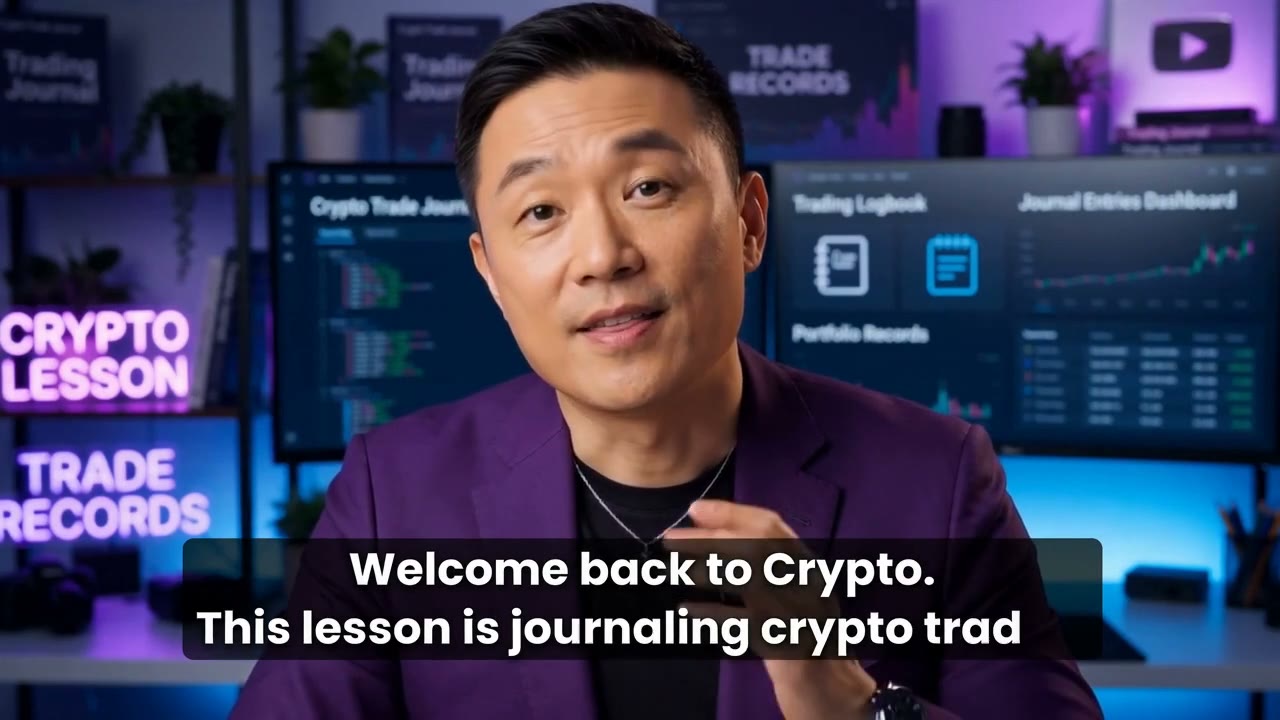
This video is part of Premium
Premium is not open yet. No Premium price is shown and nothing is charged until the owner opens it. The full lesson is below, and the audio is free right now.
Listen — free
The teacher's voice for this lesson (1:00). This lesson's audio is free.
Read the transcript
Welcome back to Crypto. This lesson is journaling crypto trades. A crypto journal records each trade in plain words. Write the exchange and the pair. Write the price in and the price out. Add the fees and the time. Note the network fee if you moved coins. Note the session, since crypto trades around the clock. Then add the result in your journal. Write what setup you used. Write if you followed your plan or broke it. In MyTradeDiary, review those trades weekly. Look for the same mistake by pair. Fix one habit at a time. Remember — journal every crypto trade, fees and plan included. Now — try the quick quiz.
The crypto-specific fields
Add to the standard six: venue (which exchange's book executed you — Lesson 8 showed why it matters), instrument type (spot / perp / option — Lesson 11), custody state for spot holds, funding paid or received for perps, and for on-chain trades the transaction hash. A crypto 'trade' can span three platforms and two chains; the journal is the only place the whole story exists in one line.
Reviews unique to crypto
Group by venue: slippage and wick behavior differ enough that venue cohorts expose bad execution homes. Group by instrument: many traders discover their perp results subsidize nothing and cost everything, while their boring spot plan quietly works. Group by time-of-week: weekend trades on thin books are a cohort that frequently convicts itself. And track funding as its own P&L line — a perp system 'up 8%' gross and down 3% in funding is a 5% system with a marketing department.
Security and process entries
Log non-trade events too: approvals granted, new wallets funded (test amounts first — Foundations' habits), security audits (Lesson 12's checklist), and any 'almost' incidents (the phishing link you nearly signed). Near-misses are free lessons; unlogged, they're just luck you'll rely on twice.
Worked example — the funding line
Quarter review of a perp system: gross price P&L +$1,240 across 46 trades; funding paid −$510; fees −$230; net +$500. The 'system' is 60% a funding expense with a trading hobby attached. The fix isn't a new indicator — it's avoiding crowded-side holds through funding windows (Lesson 3), a change only visible because funding was its own journal column.
Try it yourself
Upgrade your journal template in MyTradeDiary (free) with the crypto fields (venue, instrument, custody, funding, hash) and add one non-trade entry: today's security-audit note from Lesson 12's practice step.
Remember this
- Crypto journal extras: venue, instrument type, custody, funding as its own P&L line, transaction hashes.
- Review by venue, instrument, and time-of-week — crypto's leaks live in those splits.
- Log security events and near-misses; they're the cheapest lessons you'll ever get.
Check what you learned
Completion marks are saved on this device only.
SEO used on this page
| Page title | Set — Journaling Crypto Trades — Crypto | MyTradeCourse |
|---|---|
| Meta description | Set — Crypto journals need venue, custody, and funding fields the other markets never ask for. With them, reviews get sharp. |
| Share picture | Set — https://mytradecourse.com/media/thumbs/mytradecourse-crypto-journaling-lesson-thumbnail.jpg |
| Audio file | Set — /media/audio/mytradecourse-crypto-journaling-lesson-audio.mp3 |
| Video file | Set — mytradecourse-crypto-journaling-lesson.mp4 (Premium) |
| Captions | Set — /media/captions/mytradecourse-crypto-journaling-lesson-captions.vtt |
| Transcript | Set — shown on this page under Listen |
| Structured data | Set — LearningResource + VideoObject |