Contract Specs: Reading the Fine Print
Futures Beginner About 5 min Audio free Video · Premium
Every futures contract is a standardized promise. The spec sheet tells you exactly what one contract controls.
Watch your teacher
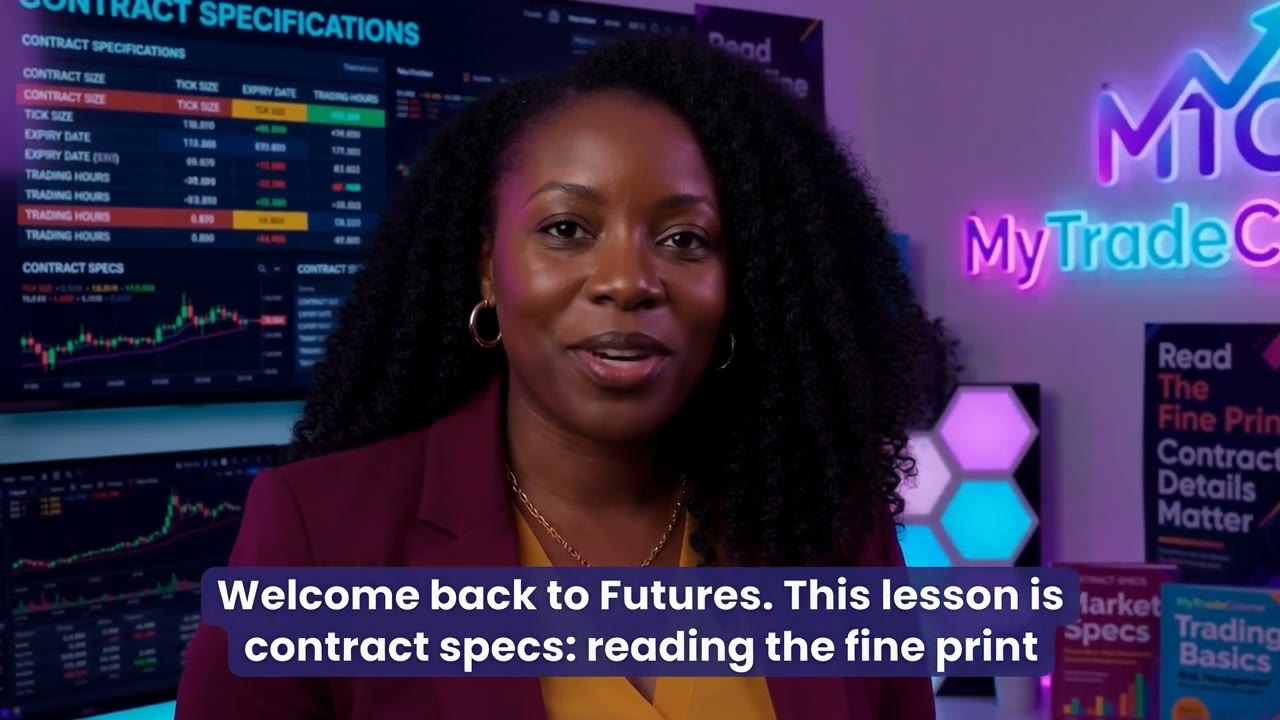
This video is part of Premium
Premium is not open yet. No Premium price is shown and nothing is charged until the owner opens it. The full lesson is below, and the audio is free right now.
Listen — free
The teacher's voice for this lesson (1:00). This lesson's audio is free.
Read the transcript
Welcome back to Futures. This lesson is contract specs: reading the fine print. Every futures contract has standard details — and those details decide the real size of the trade. Contract specs are the standard facts for one contract. They say what the contract covers, which exchange it trades on, and how much of the thing one contract controls. Next, look at the tick. A tick is the smallest price move allowed. The specs also give the tick value — how much money one tick is worth for one contract. Then check the dates and hours. Specs list the contract months, the last trading day before expiry, and the trading hours in the exchange time zone. Read the specs before you trade, every time. Two contracts can look similar on a chart and be very different in size, tick value, and expiry. The fine print is part of the plan. Remember: specs tell you what, how much, the tick value, and when it expires. Read the fine print before the trade. Now — try the quick quiz.
What a spec sheet lists
Exchange spec pages state: the underlying and contract size (e.g., one crude oil contract = 1,000 barrels), the minimum price increment (the tick), the tick's dollar value, trading hours, the listed contract months, margin requirements, and the last trading day. Two traders can say 'oil is up a dollar' and mean wildly different money depending on whether they hold one contract or ten — the spec sheet is where that translation lives.
Tick value is the atom of futures math
Every P&L calculation in futures reduces to: ticks moved × tick value × number of contracts. E-mini S&P (ES): tick 0.25 points, worth $12.50. Crude (CL): tick $0.01, worth $10. Gold (GC): tick $0.10, worth $10. Learn your market's tick value cold, before size — it is the number that turns a chart move into a bank-account move (drill it in the Practice Drills area until it's automatic).
The last trading day is not trivia
Physical-delivery contracts (grains, oil, metals) can obligate you to make or take delivery if held past deadlines most brokers enforce earlier. Financially settled contracts (index futures) simply cash-settle. Know which yours is, and know your broker's liquidation date — it is often days before the exchange's, and the forced close will not ask your opinion.
Worked example — translating a move
Gold rises from 2,400.0 to 2,403.5: that's 35 ticks of $0.10. At $10 per tick, one contract gains 35 × $10 = $350. Three contracts: $1,050. The chart showed '3.5 points'; the spec sheet turned it into money. Every futures decision — stop distance, target, size — is done in this translation.
Remember this
- The spec sheet defines contract size, tick, tick value, hours, months, and deadlines.
- All futures P&L = ticks × tick value × contracts. Memorize your market's tick value.
- Know whether your contract is physically delivered or cash-settled, and your broker's cutoff.
Check what you learned
Completion marks are saved on this device only.
SEO used on this page
| Page title | Set — Contract Specs: Reading the Fine Print — Futures | MyTradeCourse |
|---|---|
| Meta description | Set — Every futures contract is a standardized promise. The spec sheet tells you exactly what one contract controls. |
| Share picture | Set — https://mytradecourse.com/media/thumbs/mytradecourse-futures-contract-specs-lesson-thumbnail.jpg |
| Audio file | Set — /media/audio/mytradecourse-futures-contract-specs-lesson-audio.mp3 |
| Video file | Set — mytradecourse-futures-contract-specs-lesson.mp4 (Premium) |
| Captions | Set — /media/captions/mytradecourse-futures-contract-specs-lesson-captions.vtt |
| Transcript | Set — shown on this page under Listen |
| Structured data | Set — LearningResource + VideoObject |