Journaling Futures in Points, Ticks, and R
Futures Advanced About 5 min Audio free Video · Premium
Futures journals need three extra columns: contract month, tick math shown, and margin used. The review they enable is different in kind.
Watch your teacher
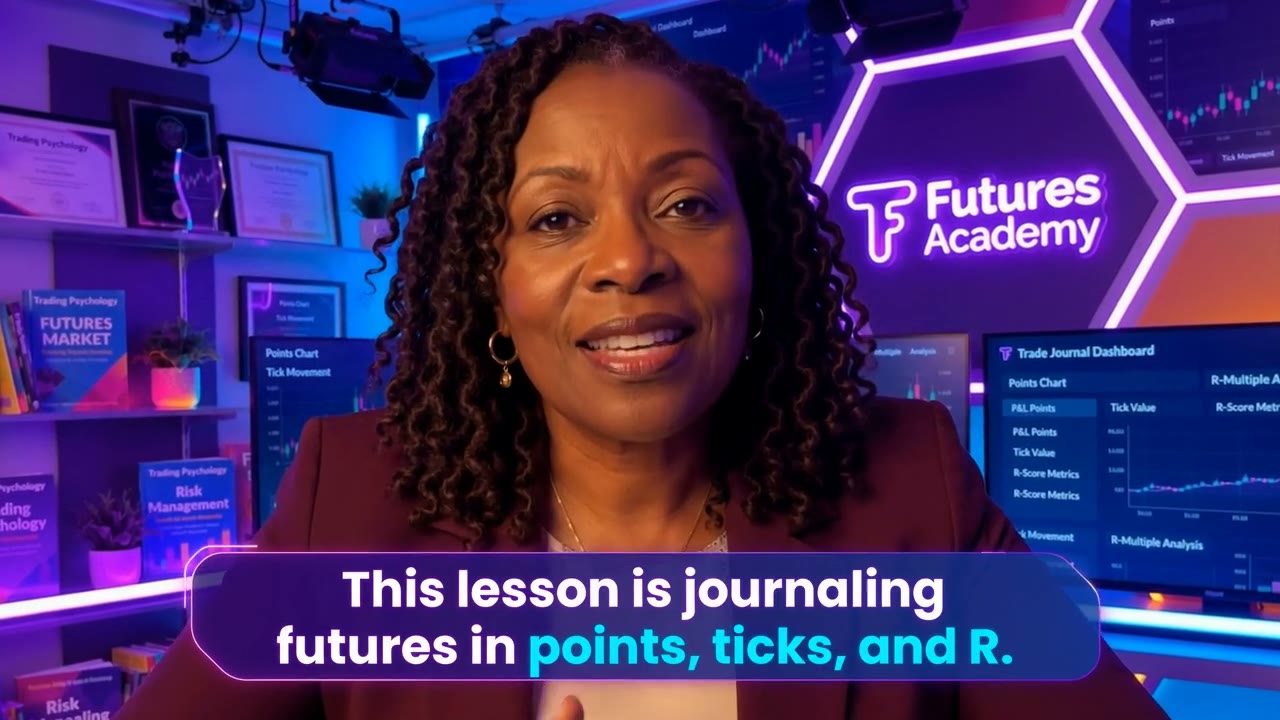
This video is part of Premium
Premium is not open yet. No Premium price is shown and nothing is charged until the owner opens it. The full lesson is below, and the audio is free right now.
Listen — free
The teacher's voice for this lesson (1:00). This lesson's audio is free.
Read the transcript
Welcome back to Futures. This lesson is journaling futures in points, ticks, and R. A futures journal records more than win or loss. Write the contract and month. Write why you took the trade. Points and ticks make the result exact. Log points gained or lost. Log the ticks too. Then note the tick value. R is your risk unit. If you risked ten ticks, that is one R. A gain of twenty ticks is plus two R. In MyTradeDiary, review those numbers weekly. Points show size. R shows if the risk was worth it. Same journal, every trade. Remember — journal points, ticks, and R for every trade. Now — try the quick quiz.
The futures-specific fields
Beyond the standard six (Foundations, Lesson 1), log: contract and month (ESZ vs ESH are different trades), size in contracts, stop and target in ticks, the dollar risk those ticks imply, whether the trade crossed a session boundary (day margin vs overnight), and any roll involved. Futures trades have mechanics stock trades don't — the journal must capture them or the review can't grade them.
Review by market and by session
Group futures results by contract (your ES edge may be a crude leak) and by session segment (open trades vs midday vs overnight holds — Lesson 12's world differs from Lesson 11's). A classic finding: a trader profitable intraday gives it back holding overnight, where gaps and illiquidity live. The fix is a rule about holding, discoverable only if 'held overnight?' is a journal column.
Track the friction honestly
Commissions per contract, exchange fees, and measured slippage (planned stop vs actual fill, averaged) belong in the futures journal. Futures friction is small per trade and enormous in aggregate for active traders — and slippage averages expose bad habits (trading thin hours, chasing) that price-based review alone calls 'bad luck.'
Worked example — the overnight column
Ninety logged trades: intraday-only, +14R over 71 trades. Held overnight, −9R over 19 trades, with the note column repeating 'gap through stop' four times. Same trader, same setups — the holding period was the strategy difference. New plan rule: flat by the close until overnight trades prove themselves on paper. One column created the rule.
Try it yourself
Add the futures fields (contract/month, ticks risked, held-overnight flag, slippage vs plan) to your journal template in MyTradeDiary (free), and backfill them for your last ten practice trades from memory and statements.
Remember this
- Futures journal extras: contract month, tick math in dollars, day-vs-overnight flag, rolls, slippage.
- Review by market and by holding style — overnight holds are a separate strategy.
- Aggregate friction (fees + average slippage) is a strategy variable, not bookkeeping trivia.
Check what you learned
Completion marks are saved on this device only.
SEO used on this page
| Page title | Set — Journaling Futures in Points, Ticks, and R — Futures | MyTradeCourse |
|---|---|
| Meta description | Set — Futures journals need three extra columns: contract month, tick math shown, and margin used. The review they enable is different in kind. |
| Share picture | Set — https://mytradecourse.com/media/thumbs/mytradecourse-futures-journaling-lesson-thumbnail.jpg |
| Audio file | Set — /media/audio/mytradecourse-futures-journaling-lesson-audio.mp3 |
| Video file | Set — mytradecourse-futures-journaling-lesson.mp4 (Premium) |
| Captions | Set — /media/captions/mytradecourse-futures-journaling-lesson-captions.vtt |
| Transcript | Set — shown on this page under Listen |
| Structured data | Set — LearningResource + VideoObject |